020 3034 0201
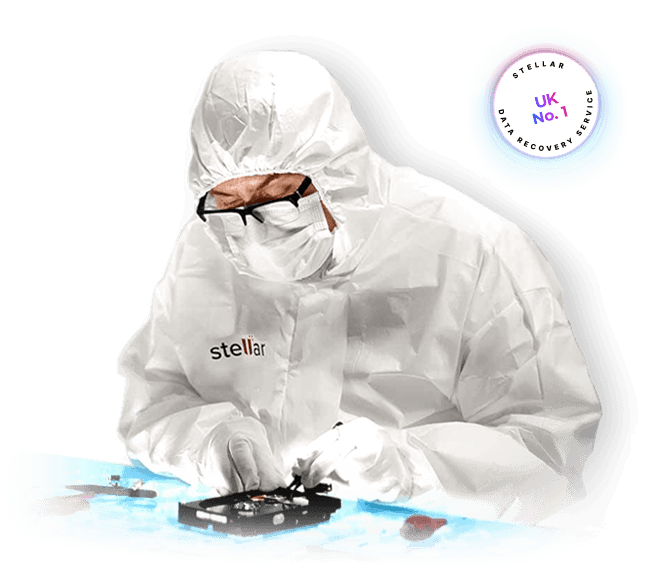
hard Disk Recovery
Recovering HDD Data With Industry-Leading Success Rates
Stellar is a global leader in HDD recovery, trusted for retrieving data from dead HDDs, internal hard disks in laptops, desktops, and PCs, and external and USB drives. Case after case, Stellar delivers the industry's highest success rate.
External HDD Data Recovery
External hard drives affected by detection failures or unusual operating noises are recovered with precision, ensuring reliable restoration of critical data.

Laptop & Desktop HDD Data Recovery
Laptop and desktop hard drives are recovered across a wide range of failure scenarios, including accidental deletion, encryption, and non-booting systems.

Fusion HDD Data Recovery
Fusion hard drives from 250GB to 4TB are recovered using specialised techniques designed specifically for complex hybrid storage architectures.

BRANDS & INTERFACES SUPPORTED
Comprehensive Hard Disk Recovery Services for All Types of HDDs
Data recovery engineers work with all types of hard drives, including internal and external drives, and support popular brands such as Western Digital®, Seagate®, Dell®, Samsung®, Transcend®, and Toshiba®, among others. A wide range of hard drive interfaces is also covered, including SATA, eSATA, and USB, supporting reliable, high-quality recovery outcomes.








| Data Recovery From All Types of Hard Disk Interfaces | ||
|---|---|---|
| PATA | SATA | SAS |
| SCSI | Fibre | USB |
If your hard drive interface or brand is not listed here, rest assured, Stellar can recover data from any type or brand of hard drive.
REAL RESULTS, REAL CUSTOMERS
Thousands of HDD Recoveries: Read What Customers Are Saying
“Doctors cannot put a soul in a dead body, but Stellar can insert the real soul into any HDD, even if it is in a dead condition. A real hero in the digital world."
— A Verified Stellar Customer
LOGICAL RECOVERY FOR WORKING HARD DRIVES
From Simple to Complex Data Loss
Common causes of data loss include accidental file and folder deletion, drive formatting, and file corruption. While DIY software can resolve many of these cases, some situations exceed what data recovery software can handle. In such instances, professional services from Stellar provide expert assistance in restoring data from hard disks.

Accidental Deletion
Accidental deletion, caused by an unintended SHIFT+DEL or an emptied Recycle Bin, remains one of the most frequent triggers of data loss. Specialists at Stellar employ proprietary data recovery software alongside techniques refined over years of experience. For more complex data loss situations, professionals at Stellar are equipped to restore hard disk data with precision.

Virus Infection
Viruses can severely damage data integrity by corrupting or deleting files. Advanced tools and file restoration techniques are used to retrieve data from hard disks and external drives affected by malware, restoring files and folders to optimal condition.
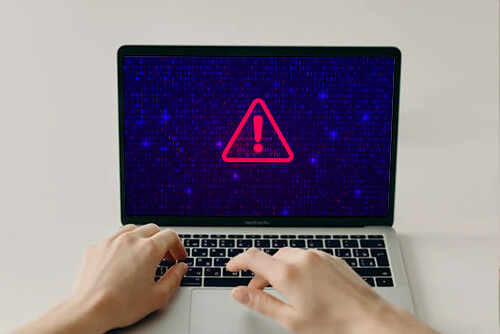
Data Loss Due to Drive Formatting
Formatting a hard drive partition is a frequent cause of data loss, particularly when a drive begins to slow down or becomes compromised by malware. In many cases, users format a drive without first creating a backup. Stellar hard drive data recovery specialists are available to help restore data in such situations.
WHEN DRIVES GO UNDETECTED
Restoring Access to Physically Damaged Drives
Hard drives can become undetectable due to physical damage caused by mishandling, water exposure, flooding, or fire. Such incidents often result in misaligned read/write heads or scratched platters. Expertise in recovering data from even the most complex physical damage situations remains unmatched at Stellar.
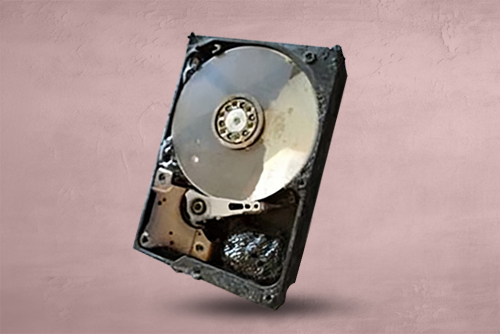
Burnt Hard Drives
Fire can destroy a hard drive's casing, PCB, and connectors, but the data stored on the internal platters may still be recoverable. The chances of recovery depend on how much heat reached the platters and if they remain undamaged. Professional cleanroom recovery is often required for fire-damaged drives. Explore the burnt hard drive data recovery service to learn how the recovery process works.
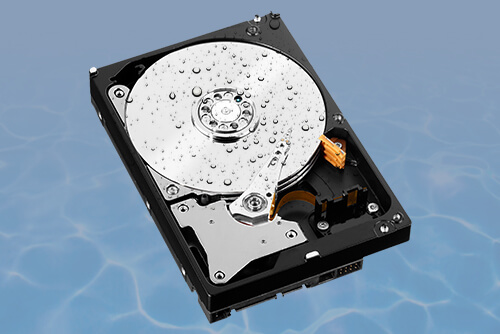
Water-Damaged HDDs
Water exposure can cause corrosion and electrical failure, making hard drive recovery more complex. Although recovery is often possible, improper handling can permanently damage the drive. Before attempting any DIY fixes, refer to the guide on recovering data from a water-damaged hard disk for the correct steps.
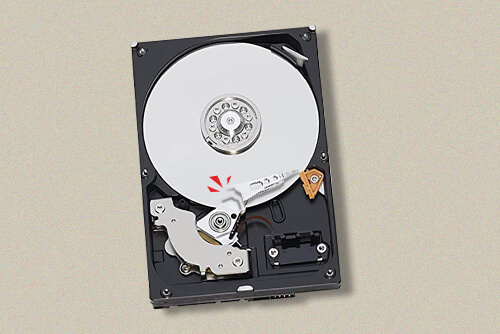
Read-Write Head Assembly Issue
A head crash occurs when the read/write head contacts the platter surface, causing severe scratches and damage that make data recovery difficult. Since platters contain vital data, this issue is especially challenging. An extensive library of donor parts for all major hard drive models supports the industry's best success rate in data recovery.
COMMON HARD DISK ERRORS
Comprehensive Recovery for Boot and Detection Errors
Hard drive errors can result from a variety of issues, including corrupted firmware, bad sectors, file system corruption, or BIOS-level failures. These errors often prevent access to data or even stop the system from booting altogether. Stellar specialises in recovering data from drives affected by SMART errors, disk read failures, I/O device errors, and boot device issues. Using advanced tools and a Class 100 Clean Room environment, specialists can safely retrieve data from drives showing both logical and mechanical faults.
Some of the Most Common Hard Disk Errors:
- SMART Hard Disk Error 301
- Hard Disk 3F0 HP Error
- External Hard Disk I/O Device Error
- Hard Disk Error 3F1
- Disk Boot Failure: Insert System Disk
- SMART Failure Predicted on Hard Disk
- Cyclic Redundancy Check Error
- Hard Disk Initialisation Error
- The Parameter Is Incorrect Error
- Boot Device Missing or Boot Failed Error
- Primary / 3rd / 4th / 5th Master Hard Disk Error
- The Semaphore Timeout Period Has Expired Error
- "You Need to Format the Disk in Drive Before You Can Use It" Error
THE RECOVERY PROCESS
Restore Data From a Hard Disk in 4 Simple Steps
A streamlined process delivers hassle-free recovery in four simple steps for all types of internal hard disks and external hard drives, with data recovered quickly and securely at every stage.

Step 1 Free Phone Consultation

Step 2 Media Inspection

Step 3 Data Recovery & Verification

Step 4 Data Delivery
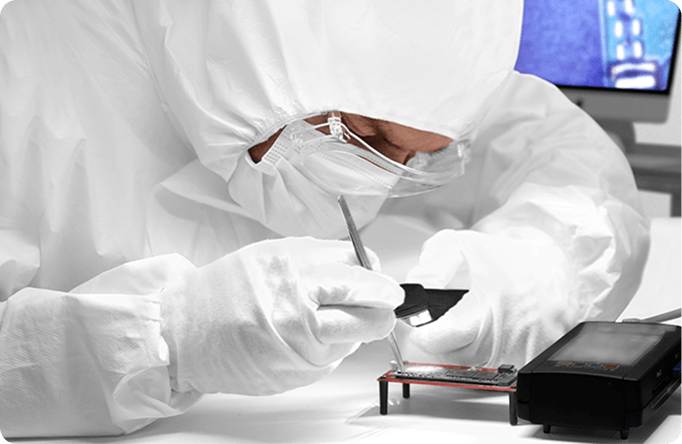
 Expert At Work
A LEGACY OF TRUST
30+ Years of Experience Restoring Thousands of Hard Drives
Over the past three decades, thousands of hard drives have been successfully restored across a wide range of failure types and data loss scenarios. This depth of experience, combined with consistent delivery of professional data recovery services, has established Stellar as a trusted name in HDD data recovery for individuals and businesses.
 020 3034 0201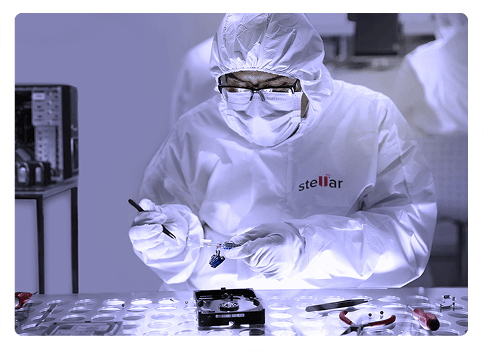


DO'S & DONT’S
What to Do (and Avoid) When Your Hard Disk Fails
 Do’s
Do’s
- Stop using the failing hard drive immediately.
- Check for malware or viruses on the system.
- Ensure all cables are securely connected.
- Seek professional help for HDD recovery.
- Keep the hard disk in a stable environment.
- Document any error messages or symptoms.
- Use antivirus software to scan the hard drive.
- Regularly back up data to prevent loss.
 Dont’s
- Do not continue using the failing HDD.
- Avoid DIY recovery methods on hard disks.
- Do not open the hard drive.
- Refrain from shaking or moving the hard disk.
- Avoid placing the hard drive in the freezer.
- Do not ignore unusual noises from the hard drive.
- Do not delay seeking professional recovery services.

Need to talk to an Expert?
Get a Free Phone Consultation With Our Recovery Experts.
INSIGHTS FROM OUR BLOGS
Explore More on HDD Data Recovery
Can You Recover Data from a Physically Damaged Hard Drive?
Yes, data recovery from a physically damaged hard drive is possible in many cases. The outcome depends on whether the magnetic data on the platters remains readable.
How Does Modern HDD Technology Affects PCB Board Swaps?
The evolution of PCB design in hard drives over the past decade has impacted how PCB swaps are done. In this blog, we discuss these advancements.
How To Fix External Hard Disk I/O Device Error?
I/O device errors are a frequent cause of data loss in external hard drives. Learn how to diagnose and fix these errors to prevent data loss.
FAQs
A hard disk drive (HDD) is a storage device commonly used in computers to save and retrieve data. Data is stored on spinning magnetic disks, a design that makes HDDs both affordable and capable of offering large storage capacity.
Hard disk drives are manufactured in several variants, each engineered for a specific use case and performance requirement:
- Desktop HDDs: Larger drives built for desktop computers, offering substantial storage.
- Laptop HDDs: Compact drives designed for laptops, balancing size and capacity.
- Enterprise HDDs: High-performance drives built for servers and data centres, designed for long-term reliability.
- External HDDs: Portable drives used for additional storage or backups.
- Hybrid HDDs (SSHDs): A combination of HDD and SSD technology, offering improved speed.
HDDs store data on spinning disks, making them slower but more affordable and higher in storage capacity. SSDs use flash memory with no moving parts, resulting in faster performance, quieter operation, and greater durability, though at a higher cost per gigabyte.
Hard drive data recovery is best handled by a professional service. Stellar Data Recovery Centres specialise in retrieving data from all types of drives, including HDDs and SSDs, with the tools and expertise to recover lost data safely and efficiently.
Data recovery costs vary depending on factors such as the complexity of the situation and the hard drive's capacity. Cases involving physical damage to the hard drive typically require more extensive work.